


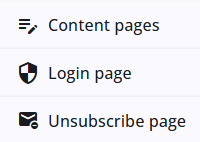
Content can be added to the login page to display important information before users access the questionnaire. In addition, separate content pages can be created for purposes such as a privacy policy. It is also possible to configure the unsubscribe page, which is shown when respondents choose to unsubscribe.
All of these options can be managed through the Content Pages tab, which provides the functionality to create, edit, and organize these pages within the questionnaire.
Pages
These articles provide more information about projects and the available options.
 | Content pages Learn how to create content pages, for example for FAQ. |
 | Login page Discover how to enrich the login page with content. |
 | Unsubscribe page Learn how to set up an unsubscribe page. |