


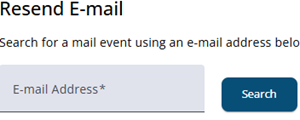
The Helpdesk provides functionality to resend an email sent to one address to a different address. This can be useful if a respondent has a new email address or if the original address contained an error.
The table below shows the result of a search, all relevant information is shown.

Clicking the Send icon opens a window in which a new email address can be entered. The email will then be resent to this address.
Any future reminders for the selected project will also be sent to the updated email address. Changes only apply to the stored address within the selected project; email addresses used in other projects remain unaffected.