


Occasionally, emails are bounced when they cannot be delivered to the intended recipient. These bounced addresses are automatically stored in the system, and emails are no longer sent to them to prevent repeated delivery failures.
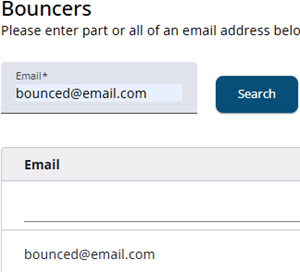
Sometimes a bounce is temporary rather than permanent. In such cases, the address can be removed from the bounce list on this screen. Enter all or part of the email address, and if it appears in the list, it can be removed. The system will then resume sending emails to that address.
It is also possible to add a new address to the bounce list. To do so, press the Add email button, enter the email address in the popup window, and click Save.
Bounced e-mails
Bounced emails and related notifications are typically delivered to the sender’s inbox, which can result in a high volume of messages. To manage this, email rules can be set up to automatically move these messages to a dedicated folder.
However, the configuration of such rules depends on the email server being used, and may vary between different systems.