


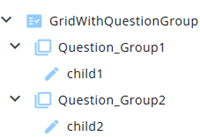
A QuestionGroup primarily serves as a container for nodes. It is created from a QuestionGroup node in the questionnaire.
Its text is displayed on screen, with its child nodes listed underneath, but the main function—both in the questionnaire and in reports—is to group nodes together.
When adding nodes manually, a QuestionGroup cannot be selected, it can only be created straight from a questionnaire.
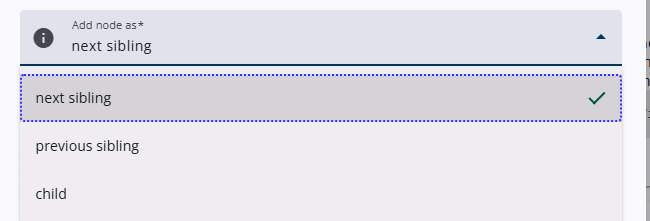
To add a child node to a QuestionGroup, the child option must be selected from the Add node as dropdown menu in the Add node pop-up window. Alternatively, child nodes can also be dragged into a QuestionGroup.
Settings
A QuestionGroup has only a few settings and these are described in the article listed here.
 | Common settings Learn more about the common settings of a node. |