


Response data can be imported from Excel into a specific questionnaire. This process allows responses to be prepared offline and then uploaded into the system, where they are processed as if they were submitted by a real respondent.
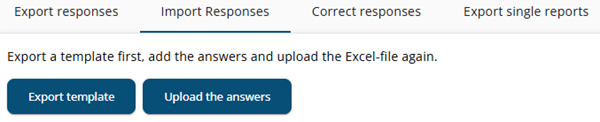
Step 1: Export the template
First, a questionnaire template must be exported. This creates an Excel file containing all required fields, including sample data, questions, and their definitions.
Step 2: Complete the Excel file
Next, the exported Excel file can be filled in with responses to the questions. The columns Startcode, ProjectGuid, ControlColumn, SampleId, EndDate, and Corrected should not be modified. If these values are changed, the data will not be processed.
Step 3: Upload the file
Once completed, the Excel file can be uploaded. The data will then be processed by the system and treated as regular response data.
Usage
This functionality can be used to efficiently test specific routes, complex calculations, or outcomes without needing to manually navigate through the questionnaire multiple times. It is also useful for importing questionnaire data from another platform into the system.