


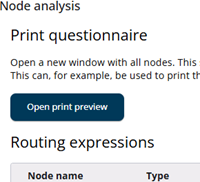
This tab provides tools for reviewing and validating the questionnaire. It helps ensure that all content, translations, and navigation paths are complete, consistent, and accessible.
The two sections below describe these parts in more detail, outlining their functionality and how they support the review process.
Print questionnaire
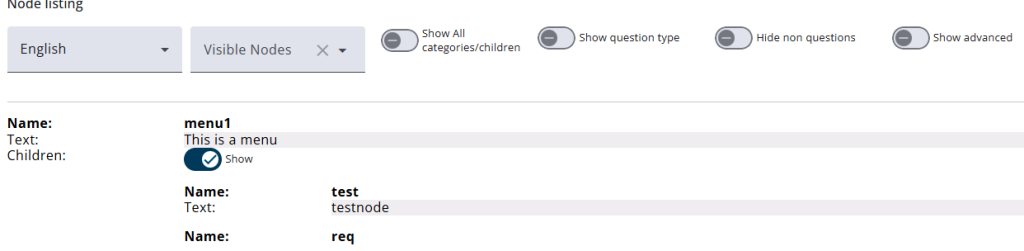
It consists of two sections. The first section includes the Print questionnaire button, which opens a new window displaying all nodes along with their content (in multiple languages), categories, and child nodes. This view is particularly useful for reviewing all content and its translations. Toggles and drop-downs allow nodes to be easily filtered (also for printing), while the language dropdown makes it simple to switch between languages and review the texts.
Routing expressions
The second section contains a table listing all Goto statements and nodes with the Is visible option, making it easier to identify parts of the questionnaire that may not be accessible. The table also includes columns for dependencies and possible outcomes, allowing users to review the flow and see how statements relate to one another.
