


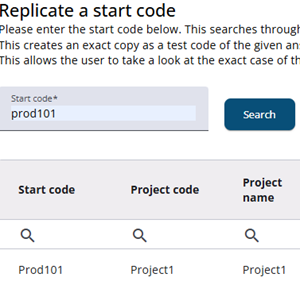
A response can be replicated by entering the start code and selecting the replicate icon. The entire response record, excluding private answers, is copied to a new Test Code.
For example, if the helpdesk reports that access is blocked for a user, the case can be simulated, started, and viewed in its entirety without affecting the respondent’s original case.
This process can also be used to copy a customer’s test findings for a specific case without modifying the original case.
Multiple replications can be created from the same start code, including at different times. This is useful when the respondent has continued with the questionnaire.