


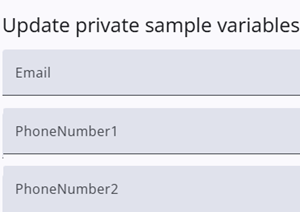
By clicking the edit icon on the right-hand side of the table, a window opens that allows the user to update the respondent’s contact information.
The window includes an input field for email and two telephone numbers. After entering the values, the sample is updated by pressing the Update button.