


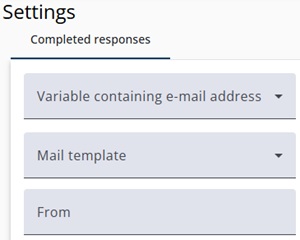
It is possible to send an email after completing the questionnaire. This email can be sent to the respondent or to another person, such as the organizer of the questionnaire.
These emails can include specific responses provided by the respondent. The questions included in the email can be selected in the Survey Editor under the Triggers section for each question.
Settings
Note that the first three settings are required for sending emails.
| Setting | Description |
| Variable containing e-mail address | The variable that contains the recipient’s email address for the “response completed” email. |
| Mail template | The template to be used for the email. |
| From | The sender’s email address. Choose this address carefully to avoid emails being marked as spam. |
| Name of e-mail sender | The name of the sender. |
| BCC’s | A comma-separated list of email addresses to include in the BCC field. |