


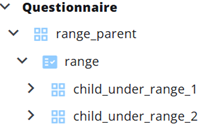
A Range primarily serves as a container for nodes. While it is created from a Range node in the questionnaire, in reports it functions mainly as a grouping node, organizing the answers in a table.
When adding nodes manually, a Range cannot be selected.
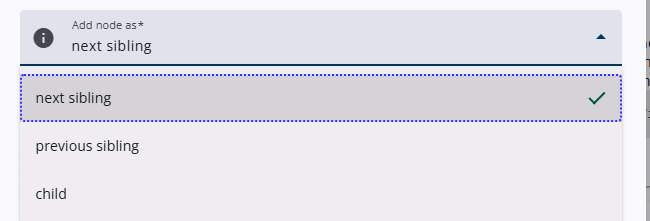
To add a child node to a Range, the child option must be selected from the Add node as dropdown menu in the Add node pop-up window. Alternatively, child nodes can also be dragged into a Range.
Settings
A range includes only common settings—those shared with other node types. Click the link below to explore these settings in detail.
 | Common settings Learn more about the common settings of a node. |