


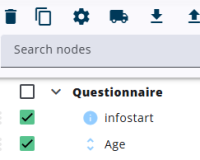
Using the moving truck icon at the top of the screen, above the node tree, multiple selected nodes can be relocated at once to a specific destination within the node tree.
It should be noted that only nodes at the highest level can be moved, while child nodes can only be moved individually. For more information, see move nodes.
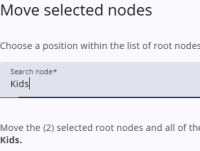
After the icon is pressed, a window is opened that allows a location to be selected to which the selected nodes are to be moved.
A dropdown of highest-level nodes—excluding the selected ones—is shown. After a new position is chosen and Save is pressed, the nodes are moved.
The movement of the nodes is made permanent only after the questionnaire has been saved.