


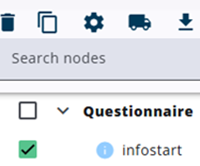
A node can be deleted by selecting the checkbox next to its name and clicking the trash bin icon at the top of the page.
If the node has child nodes, they will be deleted as well.
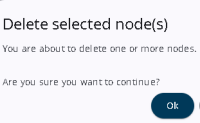
A confirmation dialog appears before the deletion is completed to prevent accidental removal.
If the node is referenced by another node, deleting it may cause an error when saving the questionnaire.
Nodes are permanently deleted once the questionnaire is saved.